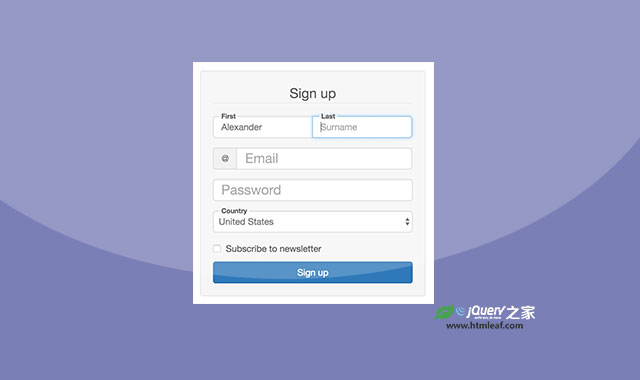

bootstrap-float-label是一款可以基于Bootstrap制作炫酷浮动标签效果的纯CSS扩展。该CSS代码可以在bootstrap 3或4中实现浮动标签效果。
使用方法
在页面中引入bootstrap-float-label.min.css文件。
<link rel="stylesheet" href="dist/bootstrap-float-label.css"/>
HTML结构
在需要添加浮动标签效果的表单组.form-group中添加.has-float-label class类。
<span class="form-group has-float-label">
  <input class="form-control" id="email" type="email" placeholder="email@example.com"/>
  <label for="email">Email</label>
</span>
注意:label标签要在input标签之后。
浮动标签也可以使用在.input-group中。
<div class="form-group input-group">
  <span class="has-float-label">
    <input class="form-control" id="first" type="text" placeholder="Name"/>
    <label for="first">First</label>
  </span>
  <span class="has-float-label">
    <input class="form-control" id="last" type="text" placeholder="Surname"/>
    <label for="last">Last</label>
  </span>
</div>
bootstrap-float-label浮动标签的github地址为:https://github.com/tonystar/bootstrap-float-label/tree/v3-dev